





USB-C chargers are everywhere these days. Your phone uses one. Your laptop might use one. Even your headphones might use one. But when it comes to powering your The Handy 2, the details suddenly matter a LOT.
If you’ve ever seen an X or “SLOW” on The Handy 2 display, the device refused to run while plugged in, or it behaved strangely with a charger you thought was powerful, it’s almost always because of how USB-C Power Delivery works.
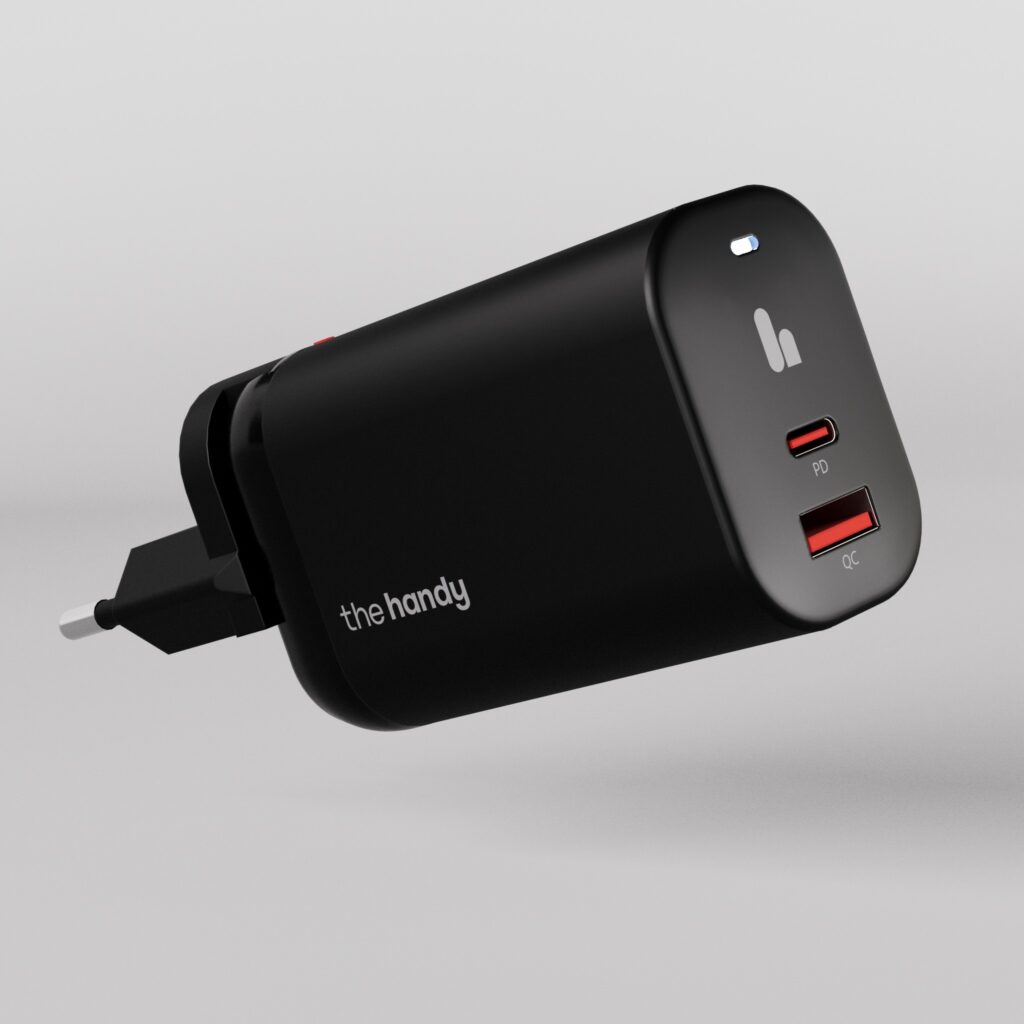
If you want a guaranteed option with no guesswork, we also sell a USB-C PD charger that works perfectly with The Handy 2, at cost, in our webshop: The Fast Charger
HOW USB-C POWER DELIVERY (PD) WORKS
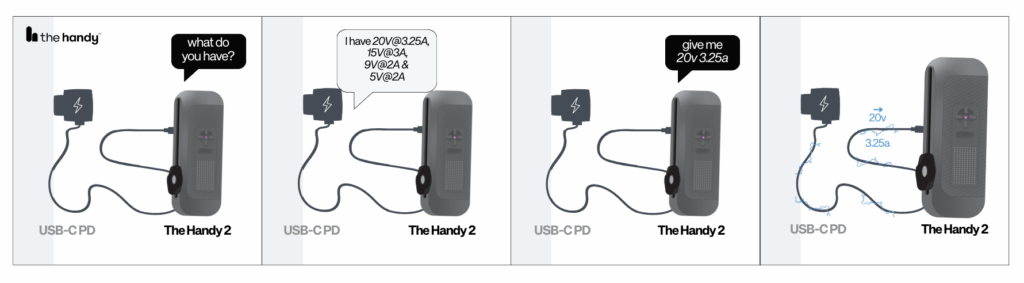
USB-C Power Delivery (PD) is a smarter way for devices and chargers to communicate. Instead of a charger blindly sending whatever power it can, PD lets the two “negotiate” and agree on the right amount of voltage and current.
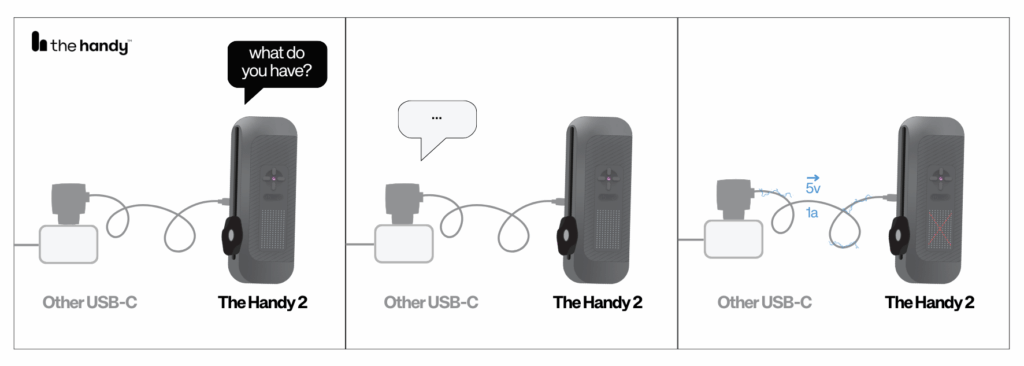
Old-style USB chargers only provide 5V, no matter what you plug into them.
USB-C PD chargers, on the other hand, can offer multiple power levels such as 9V, 15V, and 20V.
The Handy 2 needs at least 15V to safely power the motor while it’s connected to a charger, which is why choosing the right power adapter makes such a big difference.
WHY THE HANDY 2 DOESN’T INCLUDE A CHARGER
There are several practical (and honest) reasons we don’t include a charger in the box.
First, adding a high-quality USB-C PD charger would increase the cost of producing every single unit. A bigger charger also requires a bigger box, which raises shipping costs worldwide.
Second, chargers complicate logistics. Different regions use different plug types, which means multiple product versions, larger inventories, and more warehouse space. It also adds extra customs checks and certifications because a charger counts as a high-voltage product, not a low-voltage one.
Third—transparently—it also increases our profit margin to leave the charger out. We could bundle one, but that cost would need to be added to the retail price. By not including a charger, we avoid raising the price for everyone, and users who already have a suitable charger don’t end up paying for something they don’t need.
Fourth, most customers already own one or more USB-C PD chargers from phones, tablets, laptops, or other devices. Including another one that many people won’t use doesn’t make sense.
And finally, there’s the environmental side. Chargers are one of the most duplicated electronic items in the world. Leaving them out significantly reduces e-waste and aligns with EU initiatives to standardize charging across devices.
In short: leaving the charger out keeps the price lower, keeps the packaging smaller, simplifies global shipping, reduces environmental impact, avoids unnecessary certification overhead, and yes—avoids forcing every customer to pay for an extra accessory they may already have.
USB-A cables
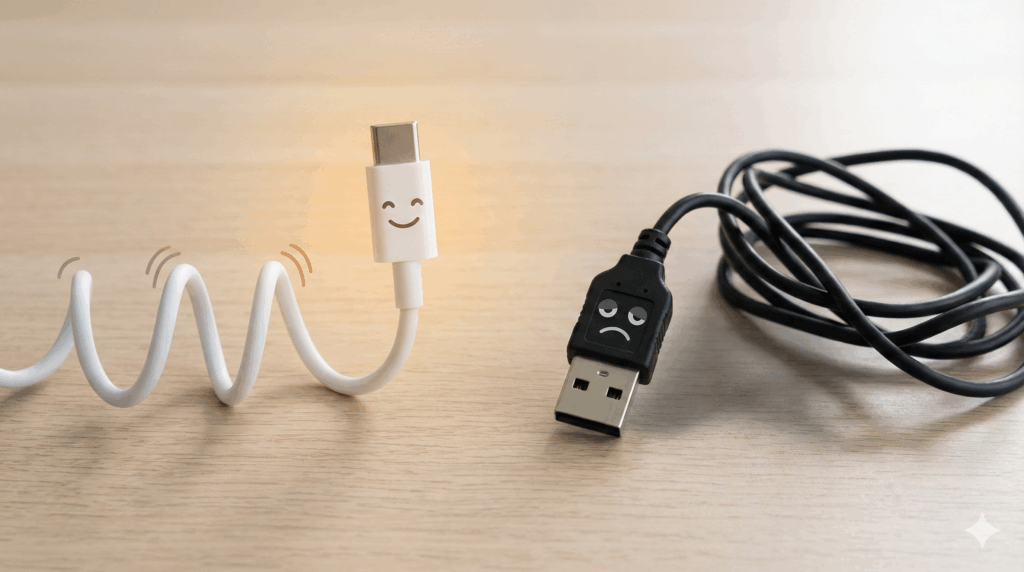
The Handy 2 requires USB-C Power Delivery to negotiate the higher voltages it needs. USB-A cables and USB-A chargers cannot do this—they are limited to basic 5V charging with no PD support. If you plug the Handy 2 into a USB-A port, the device will only slow-charge the battery and the motor will be disabled. Always use a proper USB-C to USB-C cable with a USB-C PD charger.
WHAT HAPPENS WHEN YOU USE DIFFERENT CHARGERS
Here’s what you can expect depending on the charger:
| less than 15V | 15-20V and 3A+ | |
|---|---|---|
| Motor disabled | yes | no |
| X or SLOW on display | yes | no |
| Charges | yes, but slowly | yes |
| Can be used while plugged in | no | yes |
| Weird sounds from motor | no, since the motor is disabled. | no |
| Max performance and compability | no | YES |
THE NUMBERS (EXPLAINED SIMPLY)
The Handy 2 can use up to 60W when charging and running at the same time.
That’s why we recommend a 60–65W USB-C PD charger.
Charging alone uses about 28W (1.4A at 20V).
So anything that can do 20V at 3A or more is perfect.
HOW TO SPOT THE RIGHT CHARGER (A QUICK CHECKLIST)
Here’s a simple way to check if your charger is up to the task:
- The “Wattage” Check — Easiest Look for the big number: 60W, 65W, 67W, 100W, etc. If it’s USB-C and 60W or higher, it almost always includes 20V.
- The “Tiny Text” Check — Most Accurate Flip the charger over and read the OUTPUT list. You must see:
20V ⎓ 3A (or 3.25A, 4.5A, 5A, etc.)
HOW LONG DOES CHARGING TAKE? (REAL-WORLD EXAMPLES)
The Handy 2 Pro has a 3200 mAh, 14.8V battery (about 47 Wh). Charging time varies a LOT depending on your charger.
Example 1: Very basic USB charger (5V, 0.5A)
Power output: 2.5W
Charging time: 47 Wh ÷ 2.5 W ≈ 19 hours
Expect 18–20 hours to fully charge.
Motor will be disabled (X symbol or SLOW).
Example 2: Proper USB-C PD charger (20V, 3A or higher)
The Handy 2 charges at around 28W
Charging time: 47 Wh ÷ 28 W ≈ 1.7 hours
Expect 1.5–2 hours for a full charge.
You can use the Handy 2 while charging with no issues.
SPECIAL NOTE ABOUT APPLE CHARGERS
Most Apple USB-C chargers work… but some can be inconsistent.
Apple sometimes uses extra, non-standard steps in their PD negotiation (they’ve been documented for bending USB-C rules in their favor). This means certain Apple bricks may look perfect on paper—61W, 87W, 96W—but still fail to give consistent 20V output to non-Apple devices.
If your MacBook charger works perfectly with The Handy 2, great.
If it acts strange, slows down, or triggers the X symbol on and off, it’s likely because of these Apple-specific quirks rather than a problem with your The Handy 2.
FINAL TIP
If you ever see the X or SLOW symbol or the device behaves oddly when plugged in, the charger is almost always the cause—not the Handy 2. Switch to a proper USB-C PD charger that supports 20V and 3A+.
With the right charger, The Handy 2 charges faster, runs smoother, and gives you the best possible experience.
If in doubt: use a PD charger from a more universally standard brand (Anker, UGREEN, Belkin, Baseus, etc.) or any USB-C laptop charger from PC manufacturers. We also sell our own USB-C charger (at cost!) on our webshop: The Fast Charger


